
Easy News for Elders


Using a Smartphone
Smartphones can be hard. They have many buttons. They have glass screens. It is slippery. But they are useful. They help us see the news. If you are older you can use them too. It is not scary. I will help you. First you need glasses. Put them on. Now hold the phone. Turn it on. You see pictures. These are apps. We want the news app. It usually looks like a newspaper. Or it has a red letter. Tap it once. Just a gentle tap. Do not press hard. The app will open. You will see a headline. It tells you what happened today.
Making Text Bigger
Sometimes the letters are small. It is hard to read. Do not worry. We can fix this. Most apps let you change the size. Look for a symbol. It might look like 'Aa'. Tap it. You will see a slider. Slide it to the right. The letters get big. They get huge. Now it is easy to read. You do not need to squint. This is a great feature. The top 10 global news apps all have this. They know people have different eyes. They want you to read comfortably. If you cannot find it ask a grandchild. They are fast at this. They will help you.
Finding Your Section
You might like local news. You want to know about your town. Or you like the weather. You want to know if it will snow. The app has sections. Look at the top of the screen. Or look at the bottom. You will see words. World. Local. Sports. Weather. Tap the word you like. If you tap Weather it shows the sun and clouds. If you tap Local it shows your city. It is like turning the page of a paper. But you just tap. It is faster. You do not get ink on your fingers. It is clean.
Avoiding the Ads
Sometimes a picture pops up. It tries to sell you shoes. Or it sells medicine. This is an ad. Do not click it. Look for a small 'X'. It is usually in the corner. Tap the 'X'. The ad goes away. Now you can read the news again. Ads are annoying. But they pay for the news. We just close them. Be patient. Take your time. You cannot break the phone. If you get lost press the home button. It is at the bottom. It takes you back to the start. Then you can try again. Practice makes perfect.
Simple Steps Table
| Step | Action |
|---|---|
| 1. Open App | Tap the icon once |
| 2. Read Story | Scroll up with finger |
| 3. Close Ad | Tap the small X |
| 4. Go Home | Press bottom button |
I made a table for you. Follow the steps. Keep it simple. You do not need the fancy stuff. You just want the story. The top 10 global news apps are good for this. They are clear. They are bright. You can stay connected. You can talk about news at bingo. You can talk about it at dinner. You are part of the modern world. You are doing a great job. Keep reading. Keep learning.


More Articles

Exciting Action Browser Games You Must Play

Amazing Puzzle Web Games To Try Right Now

Top Adventure Browser Games For This Year

Classic Caesar Salad Recipe with Homemade Dressing

Garlic Butter Shrimp Recipe in Minutes

Healthy Oatmeal Breakfast Bowl Recipe
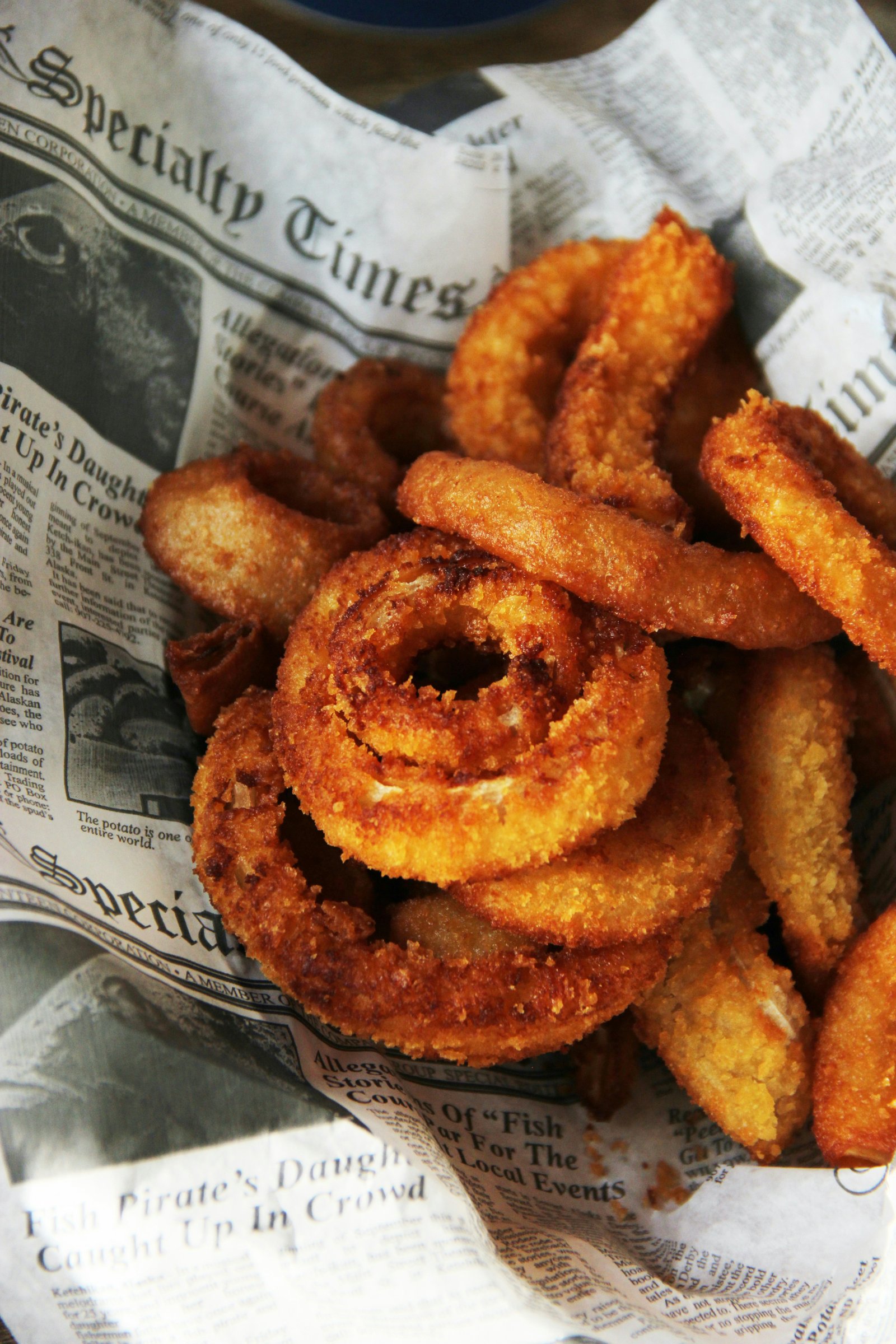
Crispy Onion Rings Recipe at Home